How to simulate clicks on non-supported HTML elements
Why HTMLElement.click() silently fails on SVG, and the modern MouseEvent-dispatch one-liner that actually triggers the click on any element.
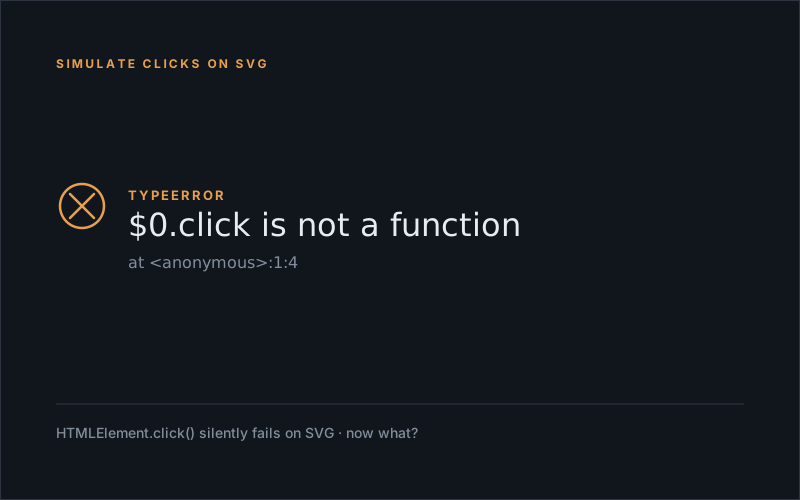
Working on an AB test, I had to write some code that involved using a clone for a clickable element. The original HTML element, an <svg> element, had to be hidden and replaced by a button. What this button should do is simple: hide a pop up on click.
My first thought was, I add a click event listener to that button and just pass that click to the original element like so:
// (this code is what my ab test framework expects to create an HTML element 😉 )
{
   tagName: "a",
   attributes: {
	  class: "cta cta--primary",
	  innerHTML: `<div class="cta__text">Continue</div>`,
	  onclick: () => closeButton.click() // simple, right?
   },
   position: "beforeend",
   target: messageContainer
}
Simple! Thank you all those years of experience, this should do the trick, right?
What I did not yet realize however was that <svg> elements do not support the HTMLElement.click() method so running into this error kind of stumped me…:

So then I started looking for a solution. The first thing I found was this, and it looked promising, but somehow didn’t cut it for me:
// click() is a function that's only defined on HTML elements.
// Fortunately it's a convenience function that we
// can implement it ourselves pretty easily like so:

const target = document.querySelector("svg");

target.dispatchEvent(new Event('click'));
Also, since the handler for the original element’s click event was out of reach for me, I could not approach it directly so I just had to find a way to make this simulated click work.
Then I found this piece of code, but when I started using it I discovered that parts of it were deprecated but, great news, now I was getting somewhere! The click actually worked!
const ev = document.createEvent("SVGEvents");
ev.initEvent("click",true,true); // deprecated.. 🙁

target.dispatchEvent(ev);
But.. using deprecated code is something I rather avoid. Looking for an even better solution should not be that hard anymore since I’m looking in the right direction. Then I found this, the final solution to my problem and come to think of it, quite predictable 😉
const dispatchClick = target => {
   const ev = new MouseEvent('click', {
	  view: window,
	  bubbles: true,
	  cancelable: true
   });
   target.dispatchEvent(ev);
};
Guess when you’re confused by a totally unexpected error, finding the correct solution sometimes takes you on a slight detour…
Update — 2026-05
Four years on, the dispatchEvent(new MouseEvent('click', { ... })) workaround is unchanged. SVG, custom elements, anything where HTMLElement.click() doesn’t exist — the same trick still does the job. Modern Chrome, Firefox, and Safari all behave consistently. If you’re hitting it today, the snippet above still works as written.